Update DNS record in cPanel
-
-
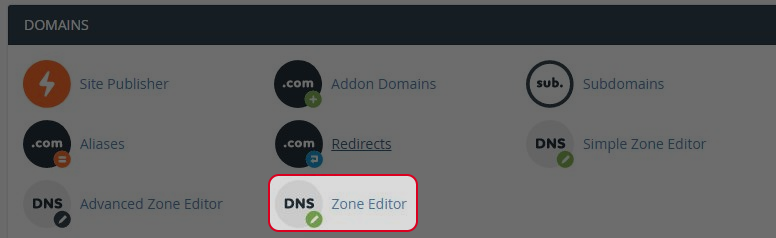
Click on “Zone Editor” icon at Domain area.
-
Select “Manage“ .

-
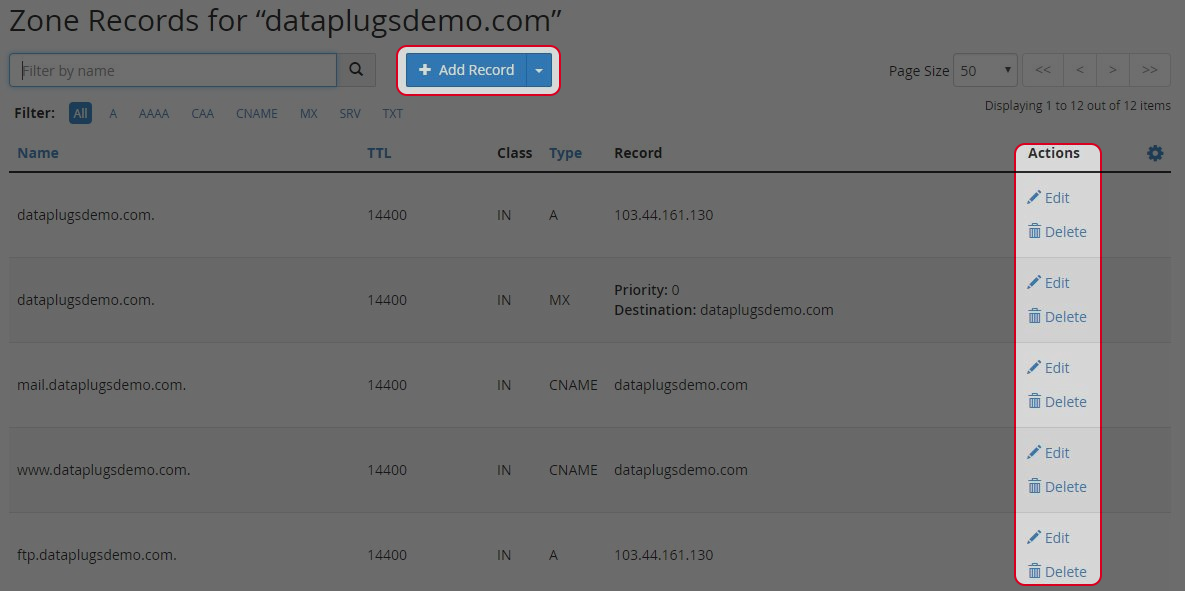
Click “Add Record” or “Edit” or “Delete” to manage the DNS records.
-
Find your answers with the search box
Can't find what you need? Create a support ticket
Click on “Zone Editor” icon at Domain area.

Select “Manage“ .

Click “Add Record” or “Edit” or “Delete” to manage the DNS records.
