Submit and view ticket in Client Area
-
Submit Ticket
-
Login to Client Area.

-
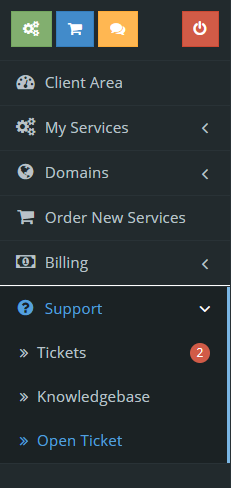
Choose “Support” then click “Tickets”.
-
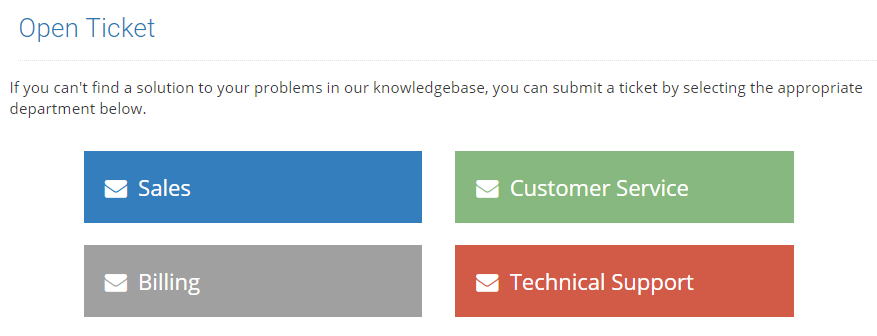
Choose Department.
-
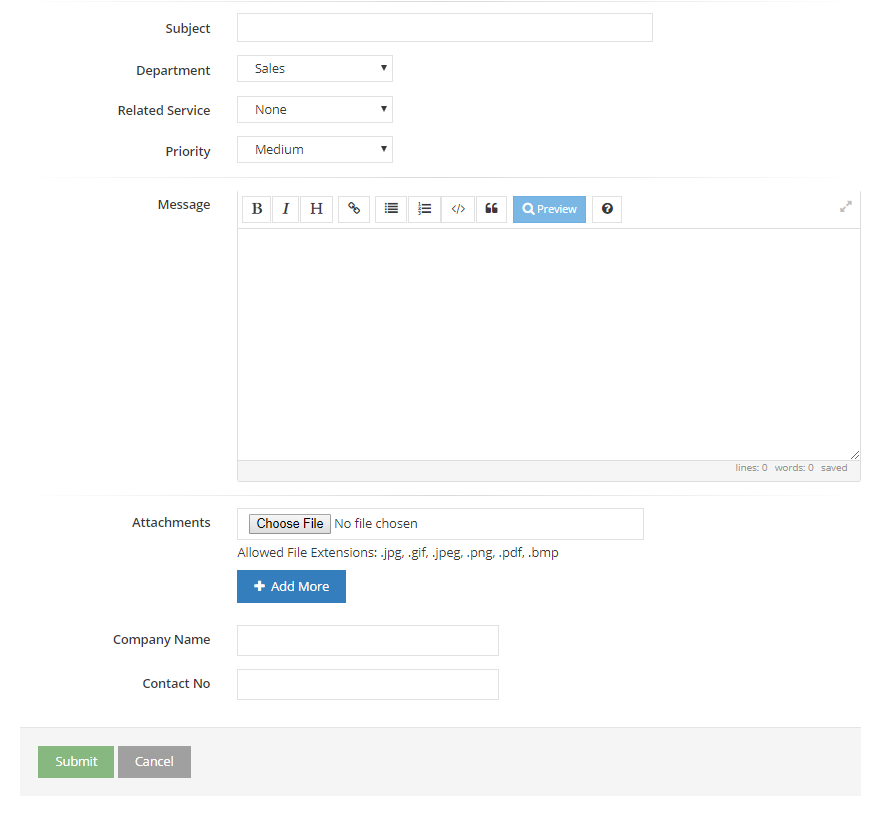
Fill in the Form and click submit.
-


-
View Ticket
-
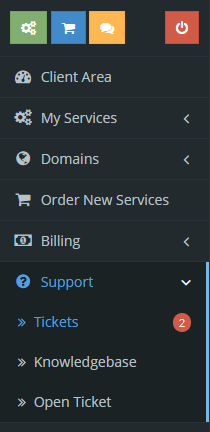
Choose “Support” then click “Tickets”.
-
Choose the ticket.

-

