Setup email filters in cPanel
There are two types of email filter levels that you can create
– User-level filtering: You can configure email filters for specific email accounts
– Account-level filtering: You can configure email filters that apply to all email accounts under the domain
-
-
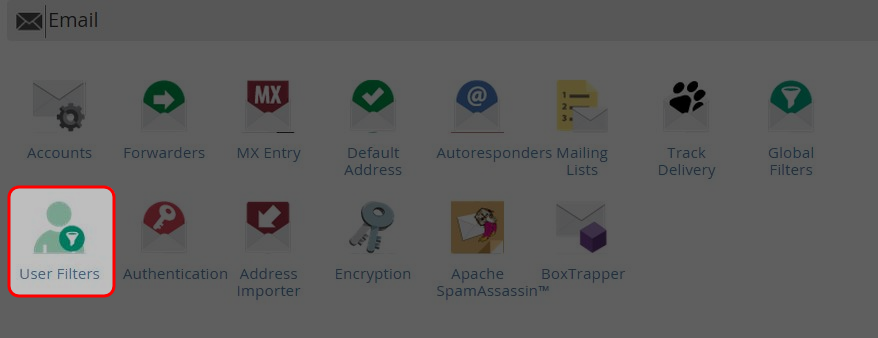
Click on “User Filters” or “Global Filters” icon at Mail area.
-
Click “Manage Filters” (For User-level filtering only).

-
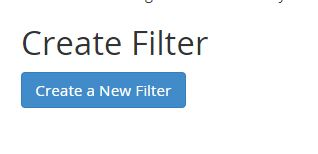
Click on “Create a New Filter” button.
-
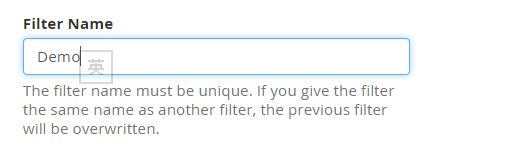
Enter the filter name.
-
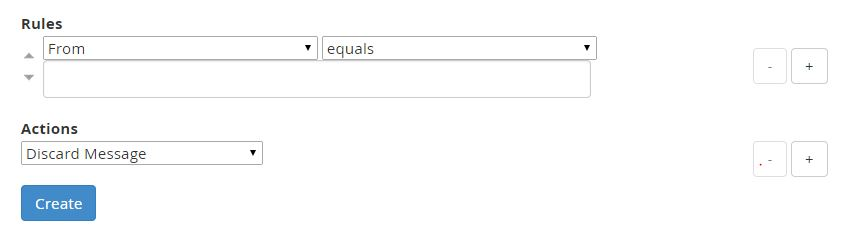
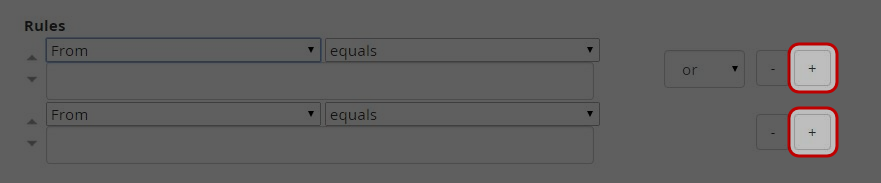
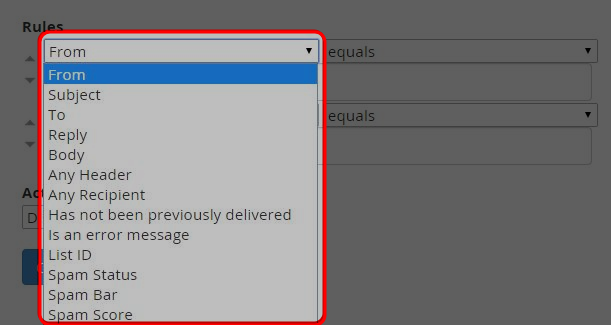
Specify the filter rules.
-
Click “+” button to add another rule.
-
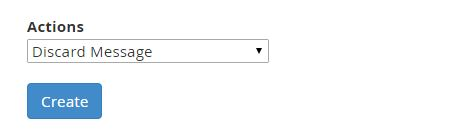
Select the action from the drop down menu that should be performed if rule conditions are matched.
-
Click on “Create” button.
-
Click on “Go Back” link.
-
Click “Edit” or “Delete” to manage the current filter.

-


