Create an email account in cPanel
-
-
Login to cPanel.
-
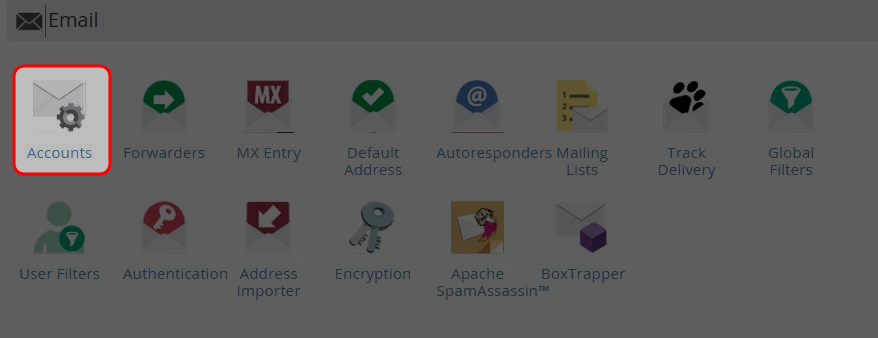
Click on “Accounts” icon.
-
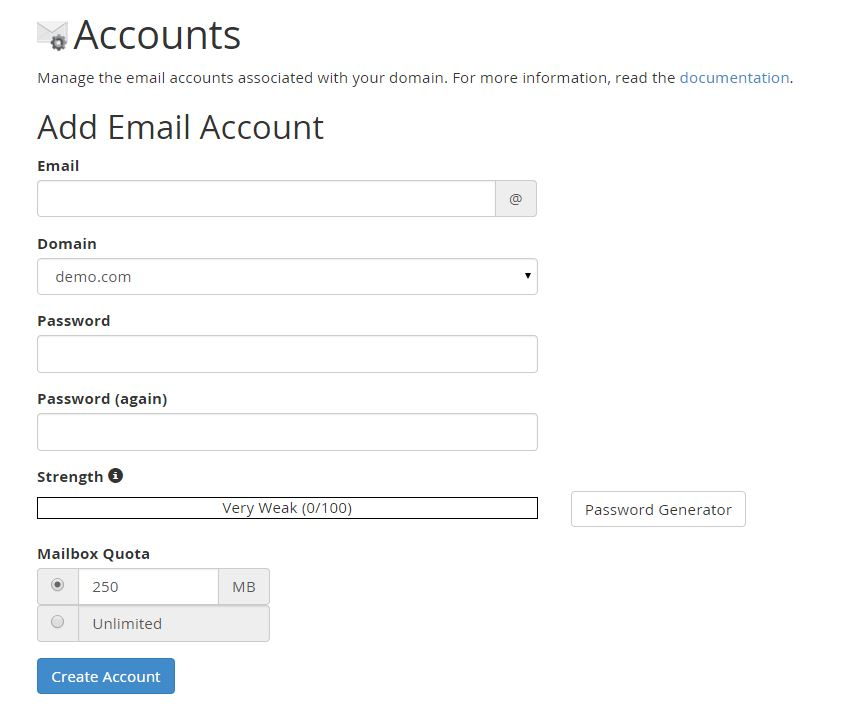
Enter the new email address.
-
Enter and re-enter the password.
-
You could specify the mailbox quota.
-
Click on “Create Account”.
-
The new email address has been created successfully.
-
You could access web mail, change the email password, change quota or delete the account.
-

