Extract zip files through cPanel
-
-
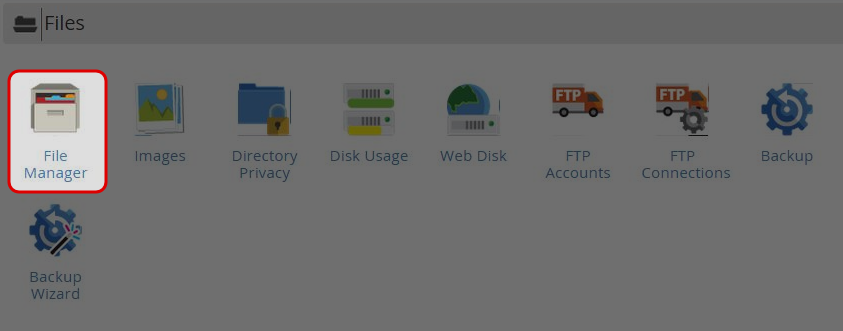
Click on “File Manager” icon at File menu.
-
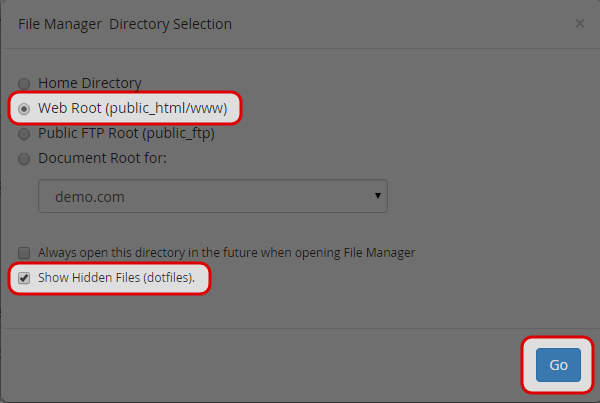
Select the “Web Root” directory.
-
Ensure the box “Show Hidden Files (dotfiles)” is checked.
-
Click on “Go” button.
-
Click on the file name you would like to Extract.

-
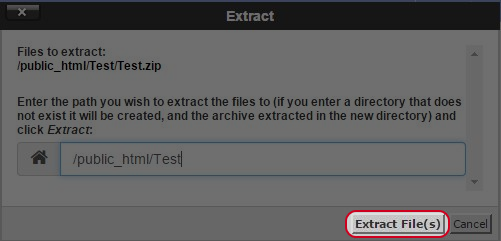
Click “Extract File”.
-
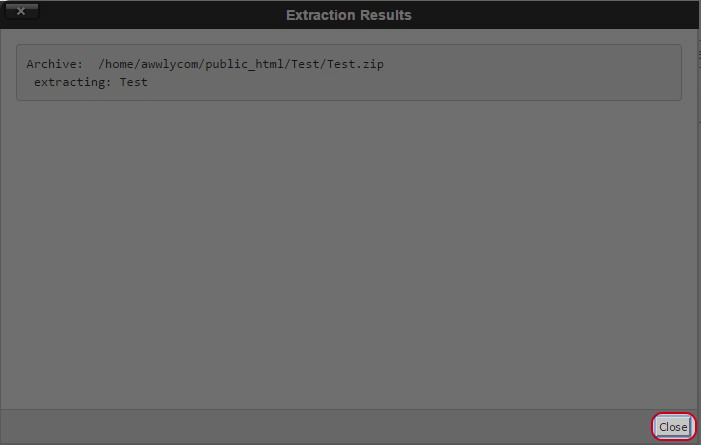
Click “Close”.
-


