Create a new file or folder using File Manager
-
-
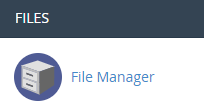
Login to cPanel and click on “File Manager” icon at File menu.
-
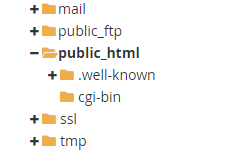
Double click the folder you want to create a file in.
-
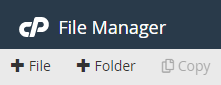
Click “+ File” or “+ Folder” in the File Manager toolbar.
-
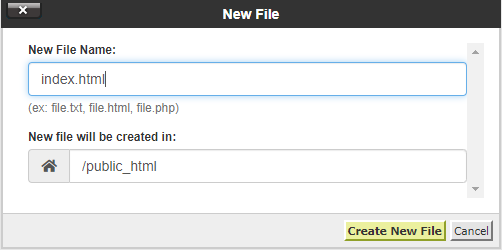
Name the new file or new folder and click on “Create New File” or “Create New Folder” button.
-


