Export MySQL database using phpMyAdmin
-
-
Login to your cPanel (e.g. www.yourdomainname.com/cpanel).
-
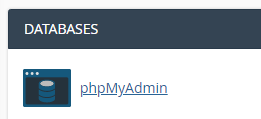
Click on “phpMyAdmin” icon at Databases area.
-
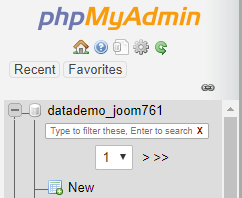
Click on the name of database that you would like to export from the left menu.
-
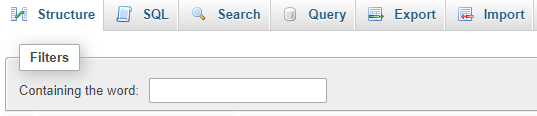
Click on “Export” tab.
-
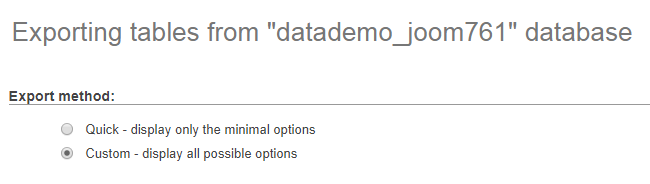
Select “Custom – display all possible options”.
-
Click “Select All” and ensure “SQL” format is selected. Choose “Save output to a file”.
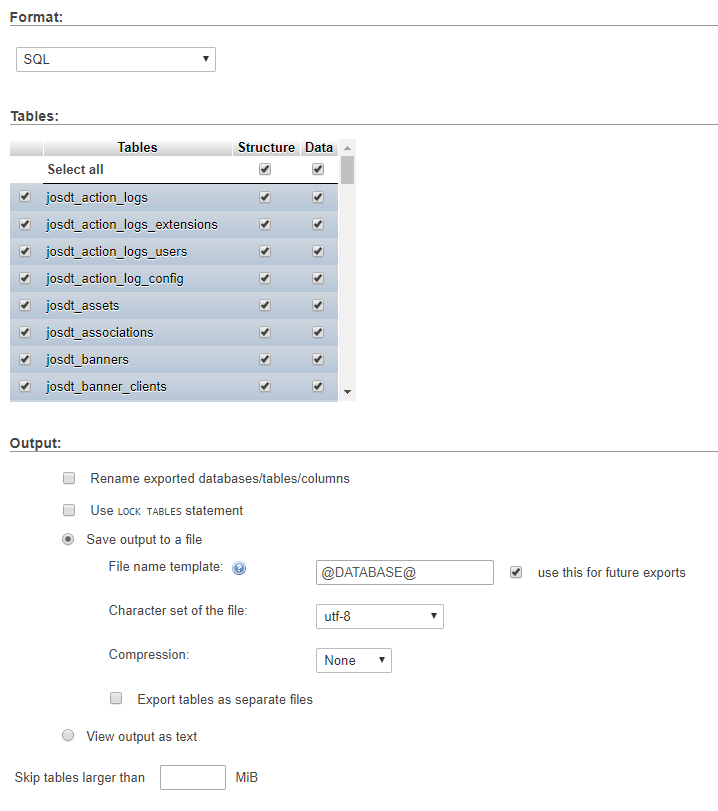
-
Click “Go” button.
Click “Save File” and click “OK” to save the database backup file to your computer.
-


