Change file or folder permission using File Manager
-
-
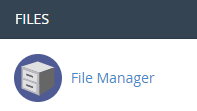
Click on “File Manager” icon at File menu.
-
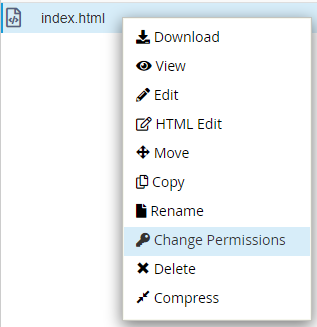
Select the file or folder you would like to change the permission. Right click on the file name you would like to edit. Click on “Change Permissions”.
-
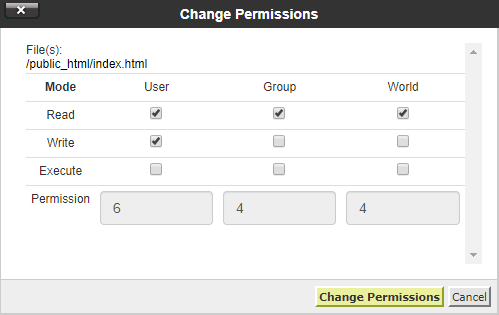
Check the box to assign permission for each level of access. Click on “Change Permissions” button.
-


