I would like to pay for my invoices using the customer control panel.
-
-
Login to Customer control panel.
-
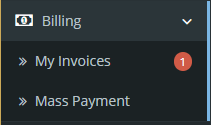
Click on “Billing” tab, and then click “My Invoices”.
-
Click “View Invoice” to view the details of unpaid invoices.

-
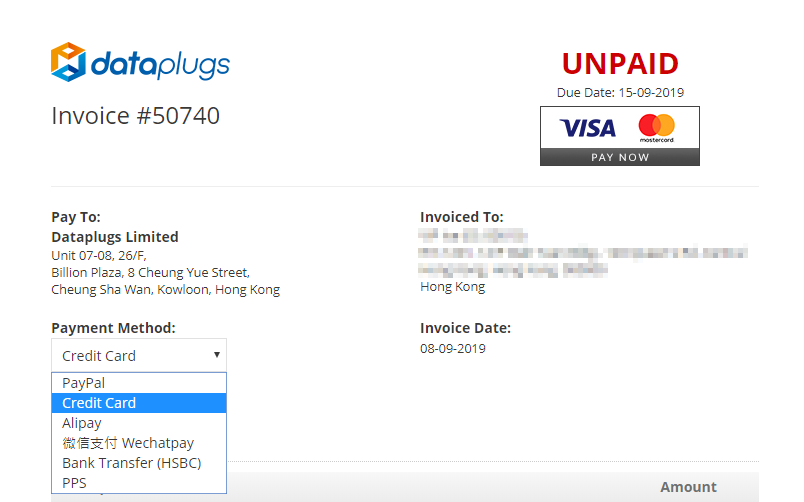
The invoices will appear in a new page. Click the payment gateway icon located at the top right corner to settle the invoice or select other “Payment Method”.
-


