How to check inode usage in your cPanel account
We have a set inodes limit for our shared hosting servers in order to improve the hard disk performance. The number of inodes limit are the following:
Initial / Startup plans – 150 000
Pro / Growth plans – 200 000
Expert / Enterprise plans – 250 000
In case the above limits are hit, your website or email service will be affected.
-
-
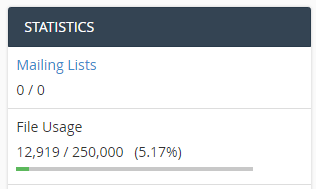
To see the general File Usage at Statistics on right hand side of cPanel account
-
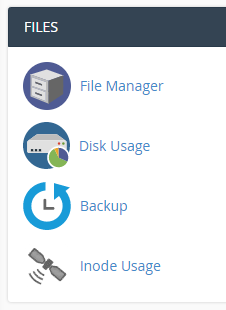
To see the detailed inodes usage, navigate to the Inode Usage under Files.
-
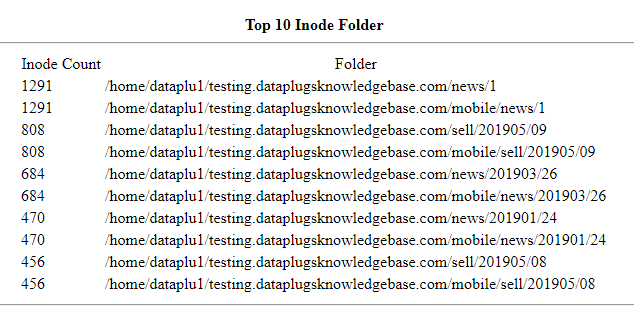
You will see the top 10 Inode folders with the full path and the corresponding number of inodes on the left.
-


