Backup your website / email / home directory with cPanel Backup Wizard
-
-
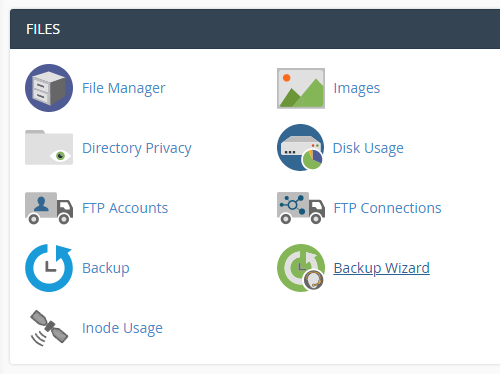
Login to cPanel and click on “Backup Wizard” icon at Files area.
-
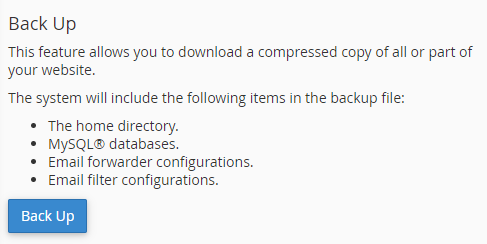
Click “Backup” button.
-
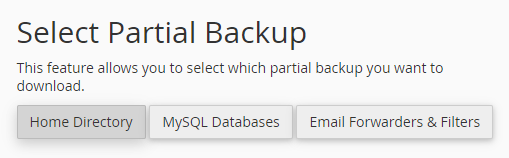
For shared hosting service, you should select partial backup and click on the link.
- Home Directory: Backup all the files and data within your home directory.
- MySQL Databases: Backup the MySQL databases.
- Email Forwarders and Filters: Backup email forwarders and filters.
* Please note that full backup is only used for moving your account to another server or to download a copy of your account.You CANNOT restore Full Backups through your cPanel interface.
-
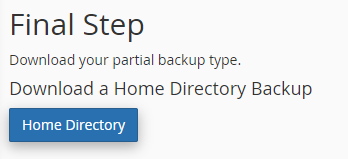
Click “Home Directory” to download the copy to your computer.
-


