Can I place a new order through the customer control panel?
-
-
Login to Customer control panel.

-
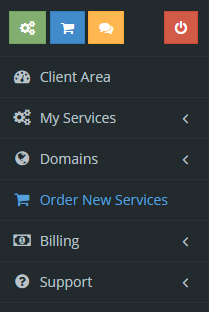
Click “Order New Services”.
-
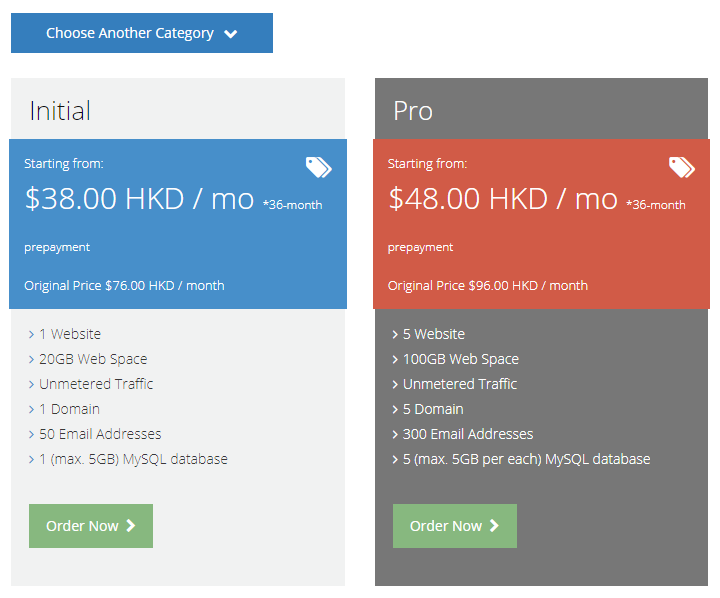
Select the service you would like to order and click “Choose”.
-
Select the appropriate domain selection and provide us the domain information.
(Register a new domain / Transfer your domain / use existing and update your nameservers)
Then click “Continue”.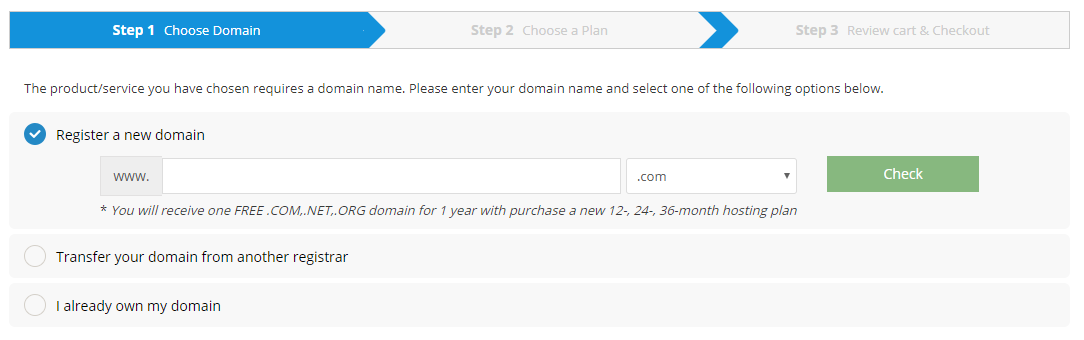
-
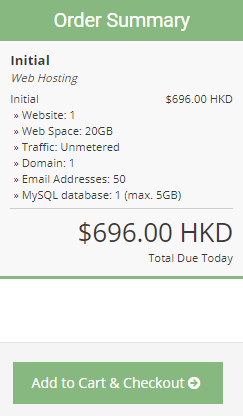
Select your desired billing cycle and then click “Add to Cart & Checkout”.
-
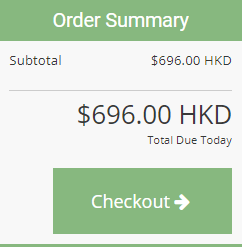
To proceed to payment, click “Checkout”.
-
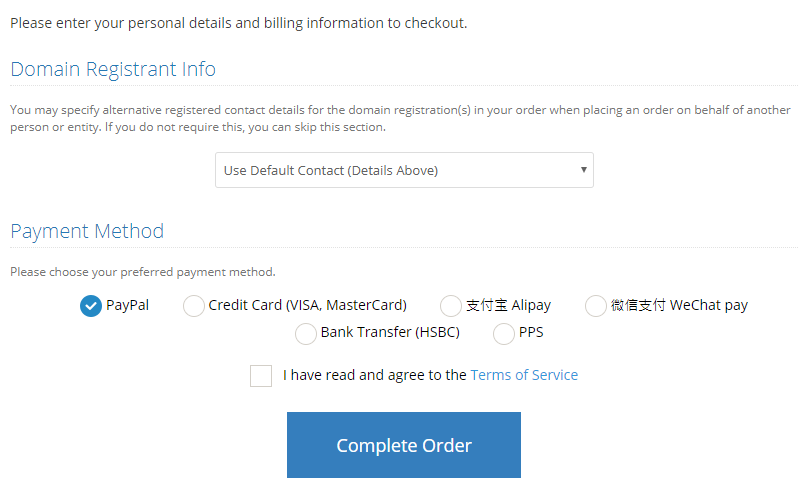
Choose your preferred payment method, then click “Complete Order” to place the order.
-


