Change cPanel password
-
via cPanel
-
Login to cPanel.
-
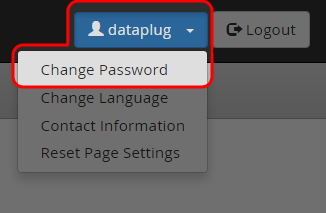
Select “Change Password” under “{yourname}” menu.
-
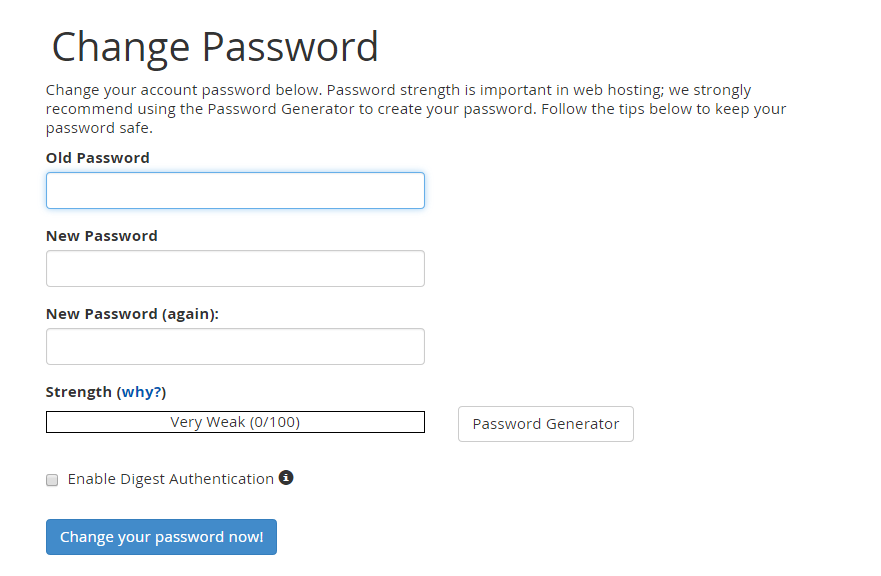
Enter the old password and set the new password and re-type it to confirm.
-


-
Via Dataplugs customer control panel
-
Login to customer control panel.
-
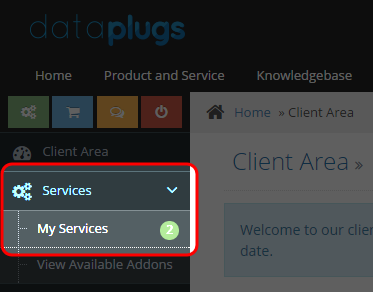
Select and click “Services”, then click “My Services”.
-
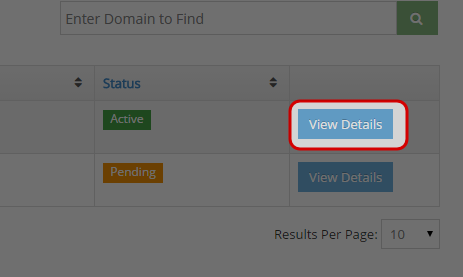
Click “View Details” next to the service you would like to change the password for.
-
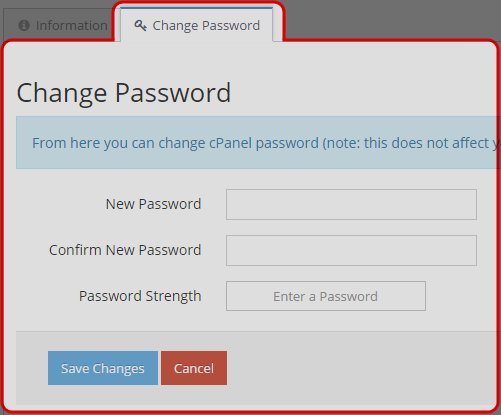
Select “Change Password” tab and enter the new password and re-type it to confirm.
-


