Configure your website in FileZilla
-
-
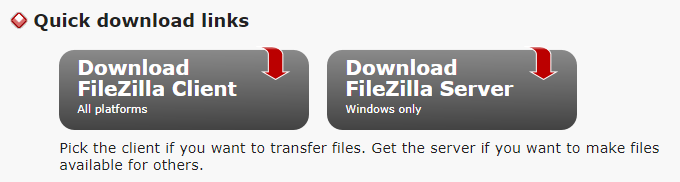
You can download FileZilla Client from http://filezilla-project.org/ and follow the instructions to download. After the download is completed, install it.
-
Double click on your FileZilla icon from your desktop.
-
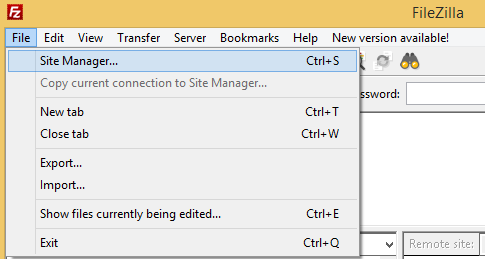
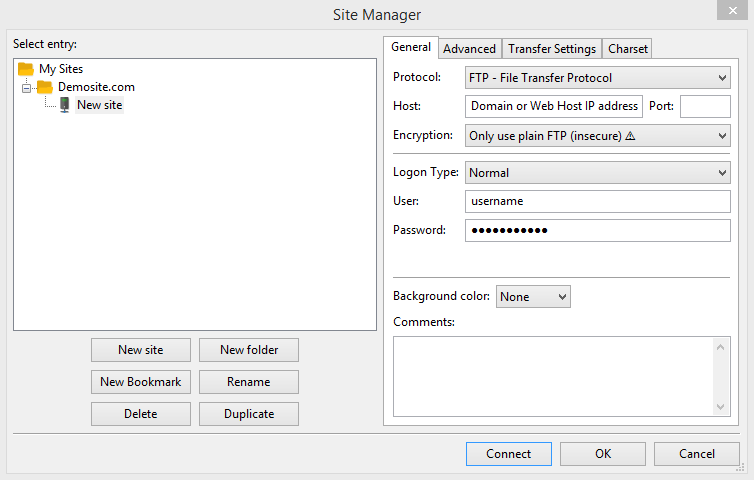
Select “Site Manager” from “File” menu.
-
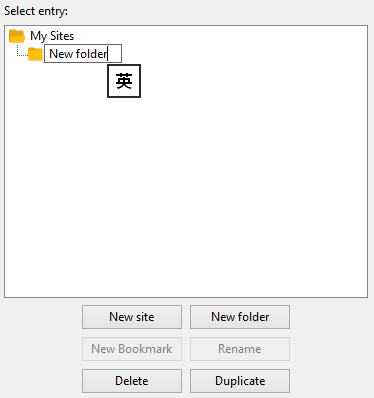
Click on “New Folder” and enter the folder name.
-
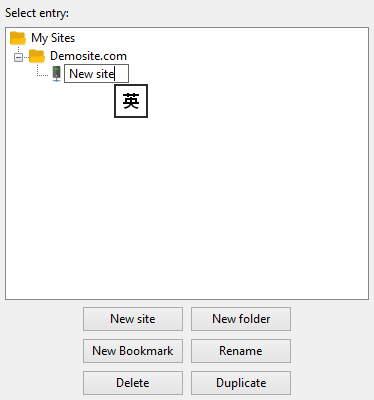
Click on “New Site” and enter a name for the new site.
-
Enter the Host name.
-
Select “Normal” as Logontype.
-
Enter User name and Password.
-
Click on “Connect” button.
-
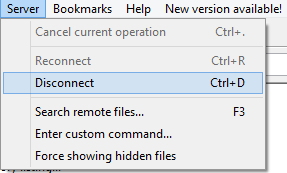
Click “Disconnect” from the “Server” menu to disconnect the remote server.
-


