Create a MySQL database in cPanel
-
-
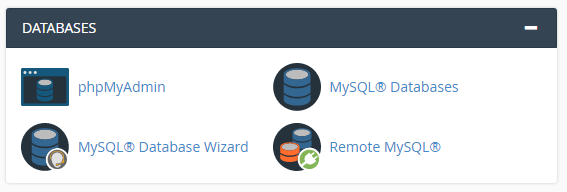
Click on “MySQL® Database Wizard” icon at Databases area.
-
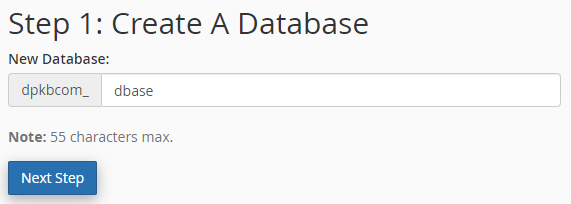
Name your database and click “Create Database”. Your database’s name will always start with cpanelusername_
Click “Next Step” button.
-
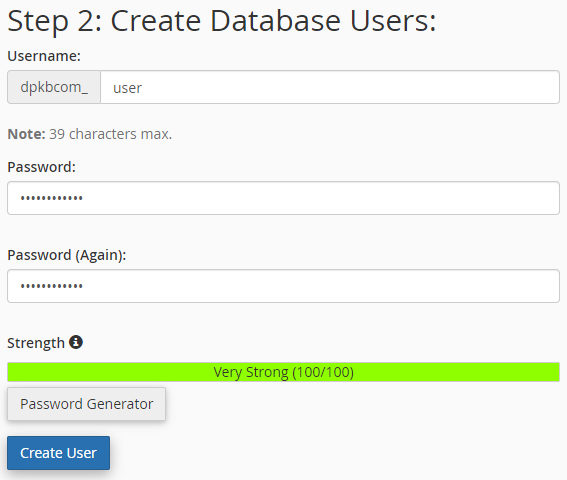
Enter username for the database user.
Enter password and re-type it to confirm.
Click on “Create User” button.
-
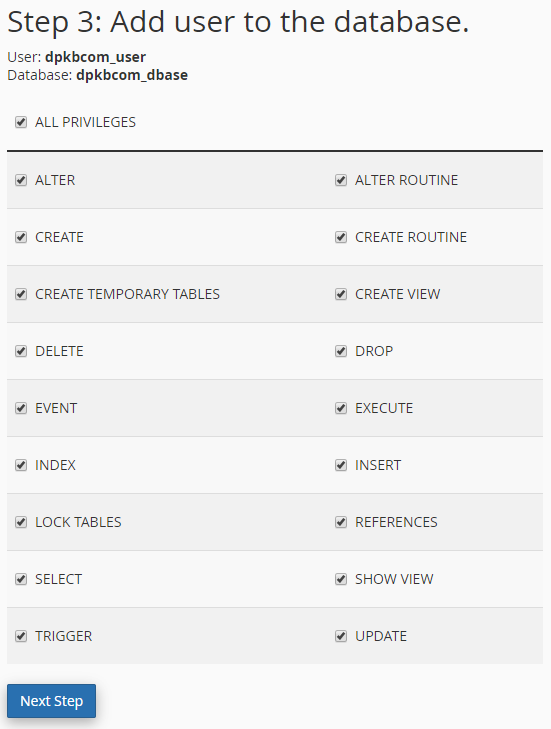
Check “ALL PRIVILEGES” to assign all right for the user. Click “Next Step” button.
-
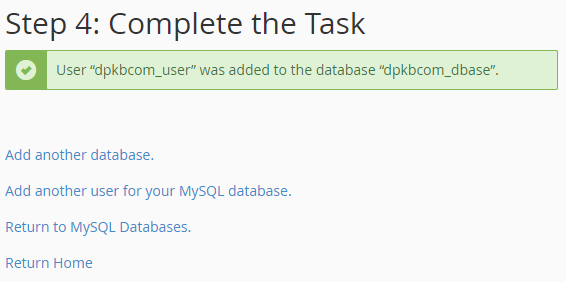
Compete the task.
-


