How to log in to your cPanel account
-
Access through the web browser
-
You can access to your cPanel via https://yourdomain.com/cpanel or https://yourdomain.com:2083
-
And all login information, please refer to the email from – [Dataplugs] Your Account is Ready – Get Started Now
-
-
Access through Dataplugs customer control panel
-
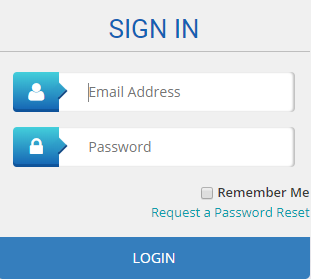
Login to Customer control panel.

-
Enter your email address and password in the text boxes.
-
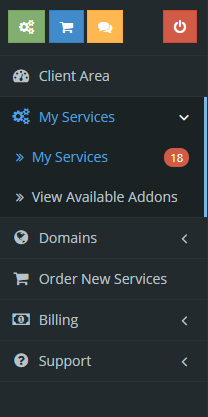
Select and click “Services”, then click “My Services”.
-
Click on the service plan.

-
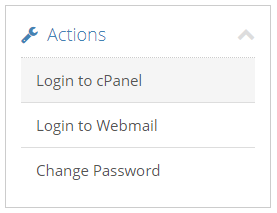
Click “Login to cPanel” to access cPanel.
-


