How to transfer a domain into Dataplugs
For domain transfer, there are a few more steps, you need to make sure you have done through the current registrar to complete the domain transfer process.
- Get the authorization code (EPP code) from the current registrar.
- Disable WHOIS domain privacy
- The registered domain name must be registered for at least 60 days
- Disable the registrar lock
- Make sure you can access to your contact email address
NOTE: Nameserver updates may take 12-48 hours to fully propagate across the Internet.
-
-
Login to Customer control panel.
-
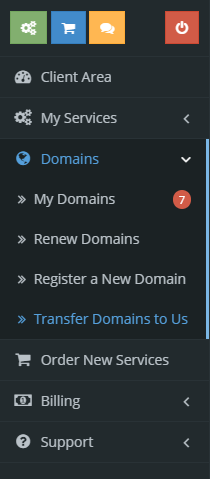
Select “Transfer Domain to Us” under “Domains” at the left side menu.
-
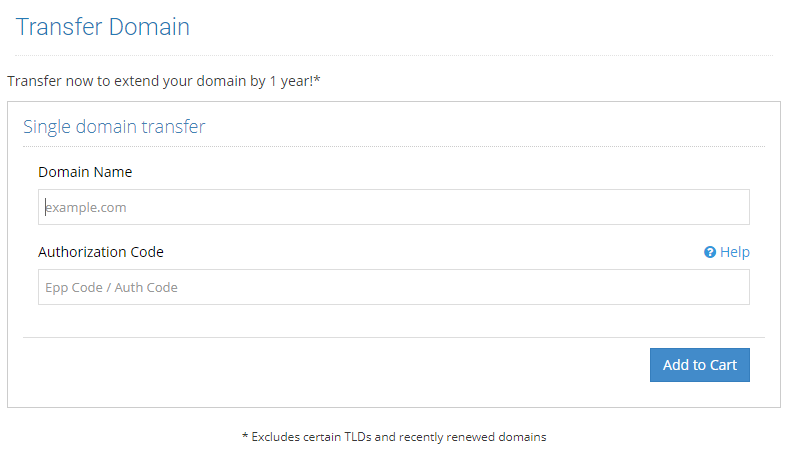
Enter the domain name with valid authorization code that you want to transfer to Dataplugs, then click “Add to Cart”
-
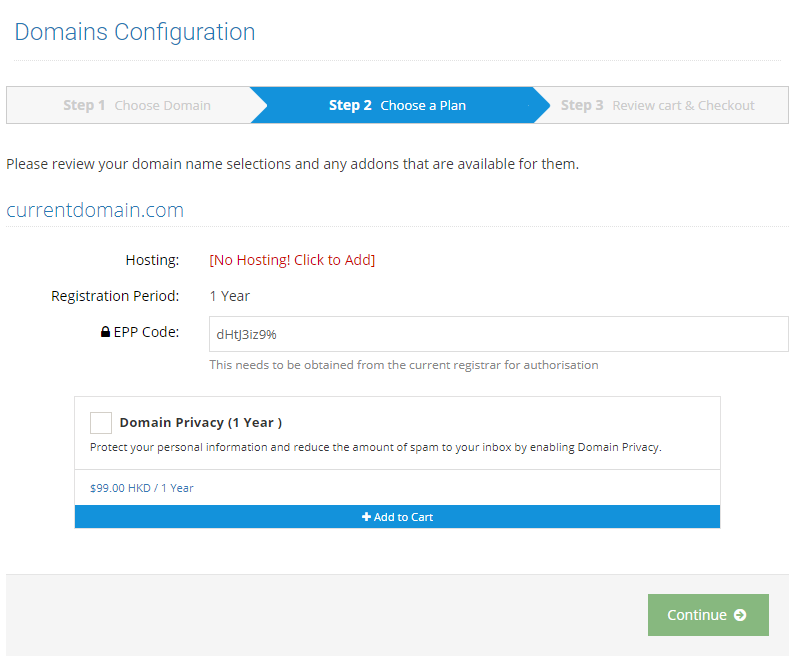
Check if you want to add WHOIS domain privacy addon service for the domain, then click “Continue”
-
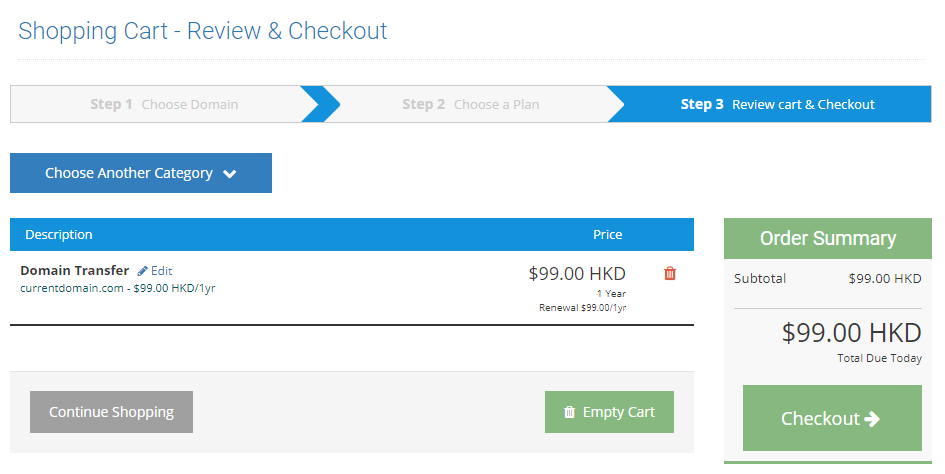
Confirm the order and click “Checkout”
-


