I would like to pay multiple invoices using the customer control panel.
-
-
Login to Customer control panel.

-
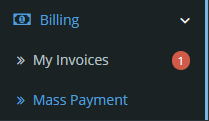
Click on “Billing” tab, and then click “Mass Payment”.
-
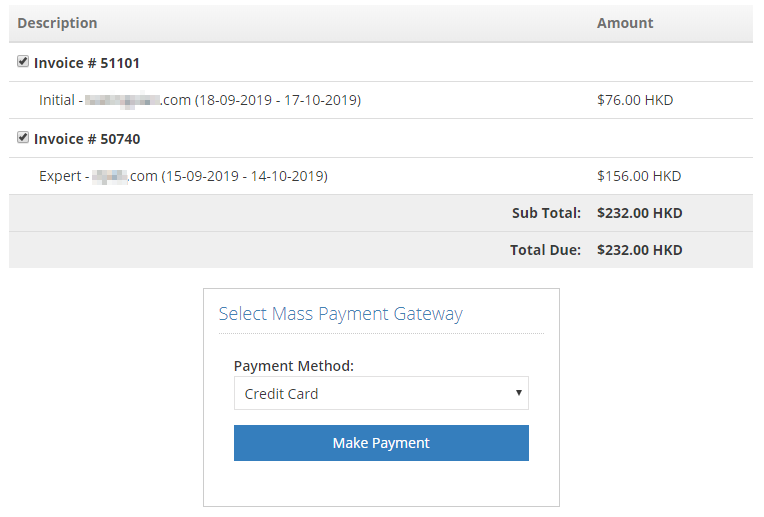
Tick the checkboxes next to the invoices you wish to combine for payment, and select “Payment Method”, then click “Make Payment”.
-


