Managing nameservers at customer control panel
-
-
Login to Customer control panel.

-
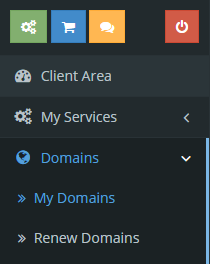
Click on “Domain” tab, and then click “My Domains”.
-
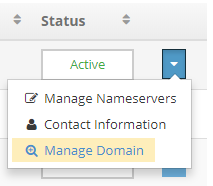
Click “Manage Domain”.
-
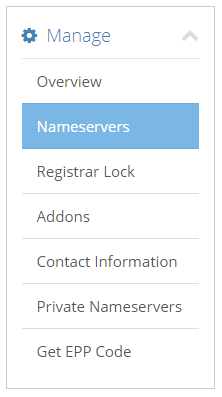
Click on “Nameservers”.
-
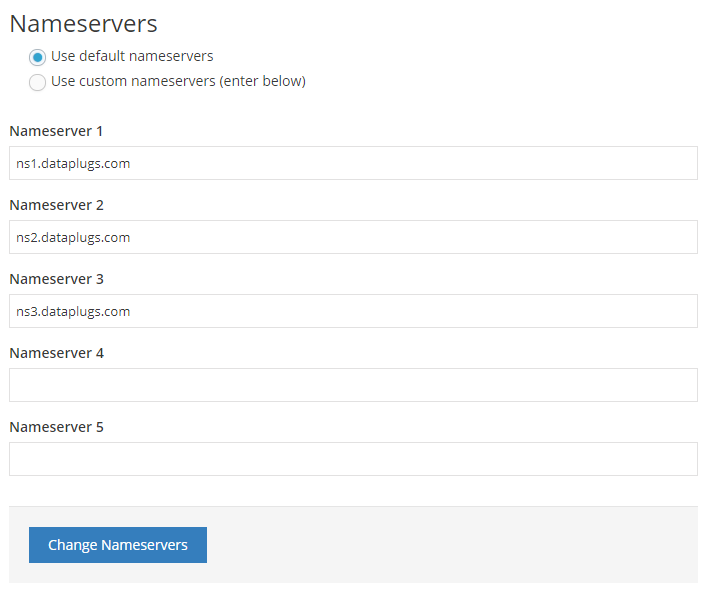
Choose “Use custom nameservers (enter below)”. You can enter your new nameservers, then click “Change Nameservers” when you finished.
-


