Remove Magento
-
-
Click “All installations” icon.

-
Click “Remove“.

-
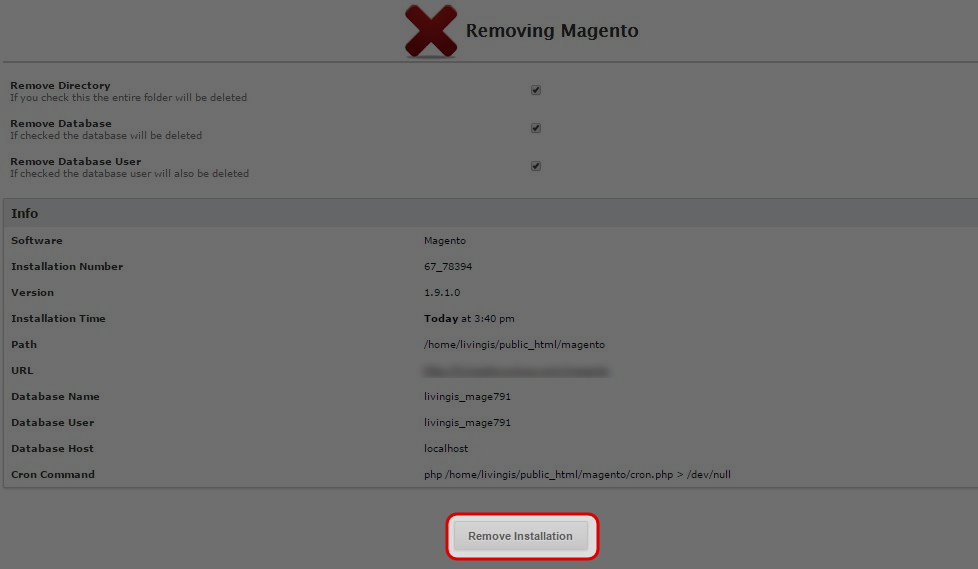
Click “Remove Installation”.
-
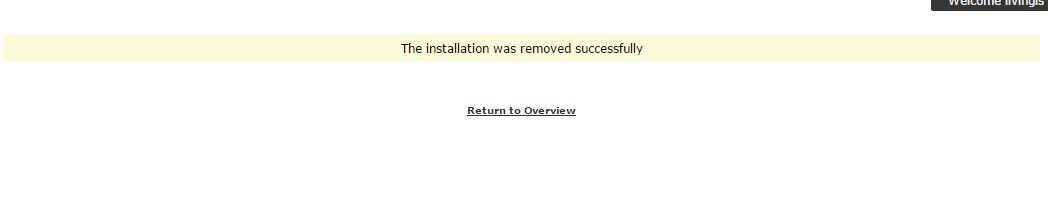
Click “Return” to overview.
-
Find your answers with the search box
Can't find what you need? Create a support ticket
Click “All installations” icon.

Click “Remove“.

Click “Remove Installation”.

Click “Return” to overview.
