Restore your website / email / home directory in cPanel
-
-
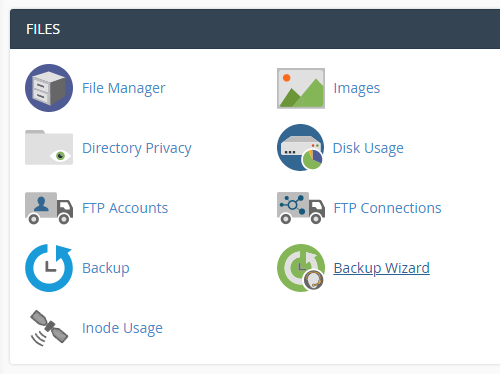
Login to cPanel and click on “Backup Wizard” at Files area.
-
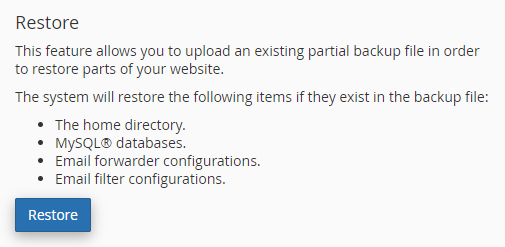
Click on “Restore”.
-
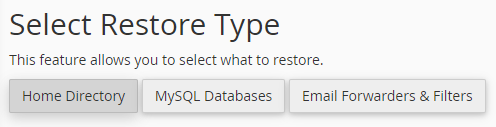
Select restore type.
-
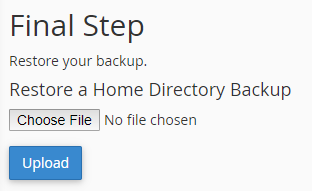
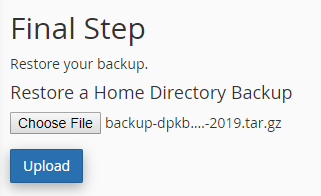
Browse and select the backup file from the directory.
-
Click on “Upload” button.
-


