Set the password to protect a directory in cPanel
-
-
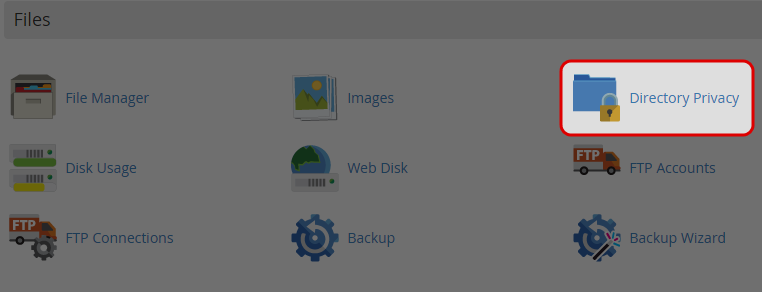
Click on “Directory Privacy” icon at File area.
-
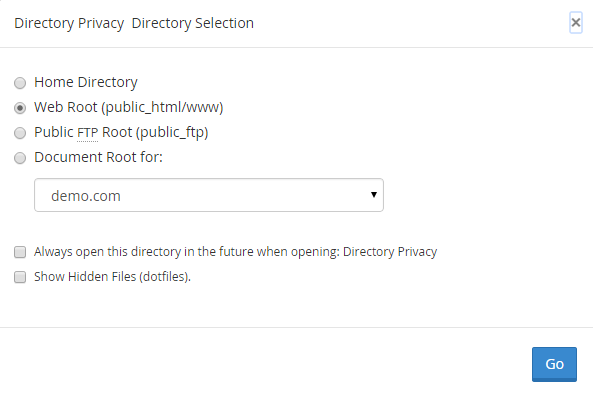
Choose the Directory.
-
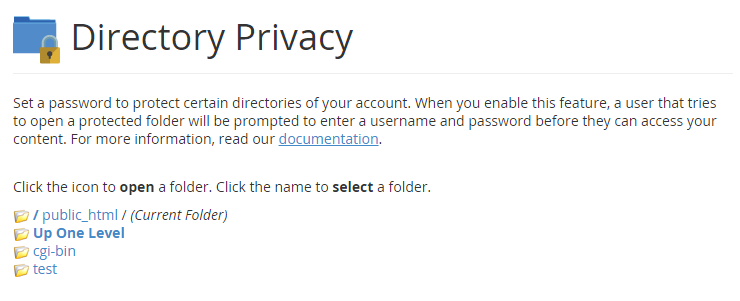
Select the folder you would like to protect with password.
-
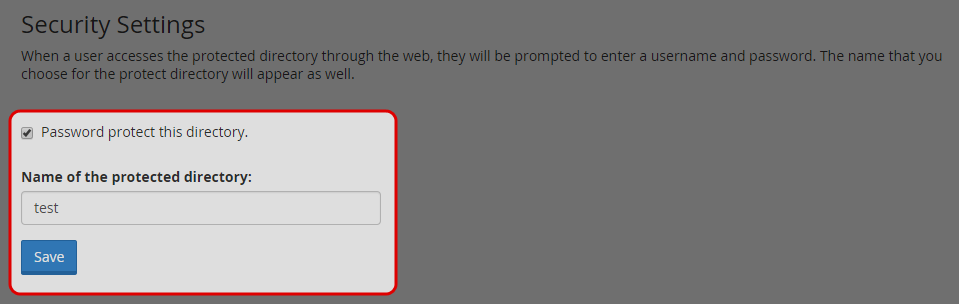
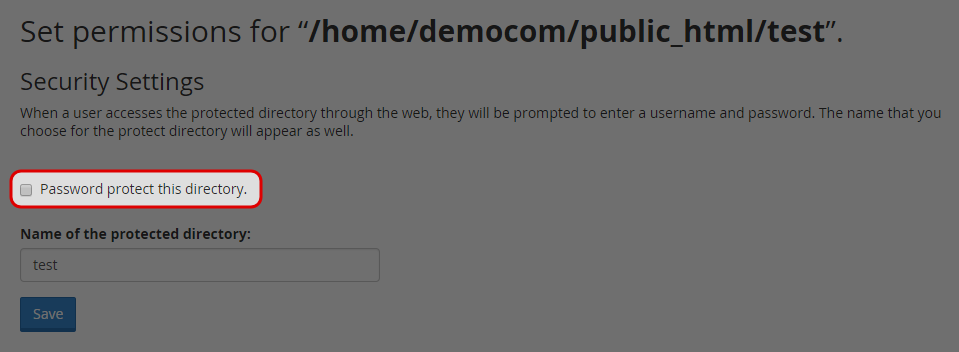
Check the box of “Password protect this directory”.
-
Enter a name for the protected directory.
-
Click on “Save” button.
-
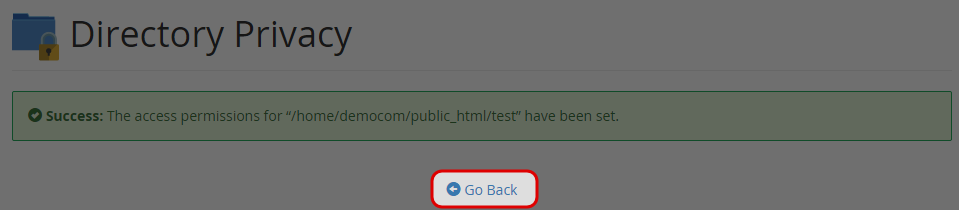
Click “Go Back” link.
-
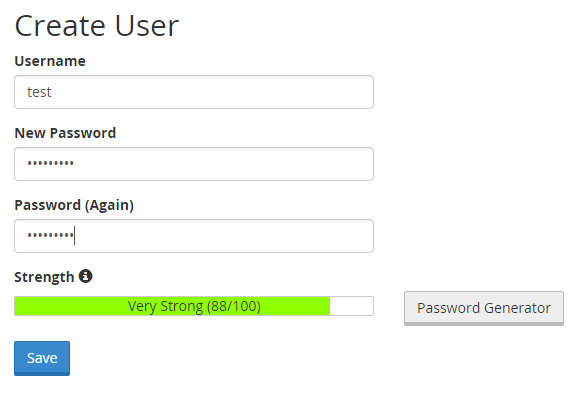
Enter the username and password, and re-type the password.
-
Click “Save”.
-
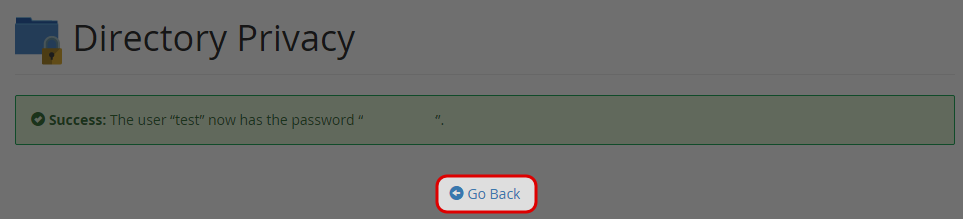
Click on “Go Back” link.
-
Un-tick the box of Password protect this directory to remove the password protection.
-


