Setup a cron job in cPanel
-
-
Setup a cron job in cPanel
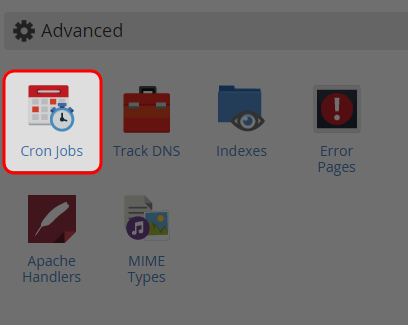
-
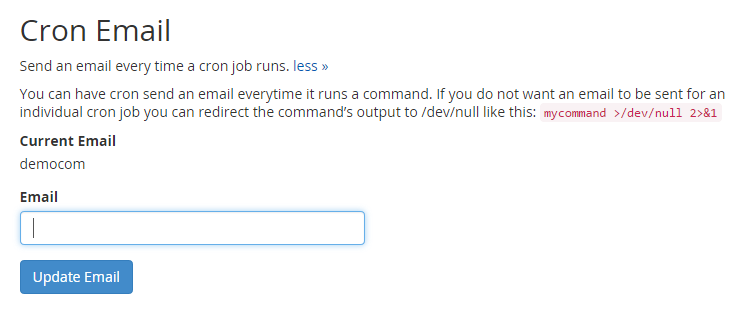
Enter the email address where you would like to receive the result after the cron job is completed.
-
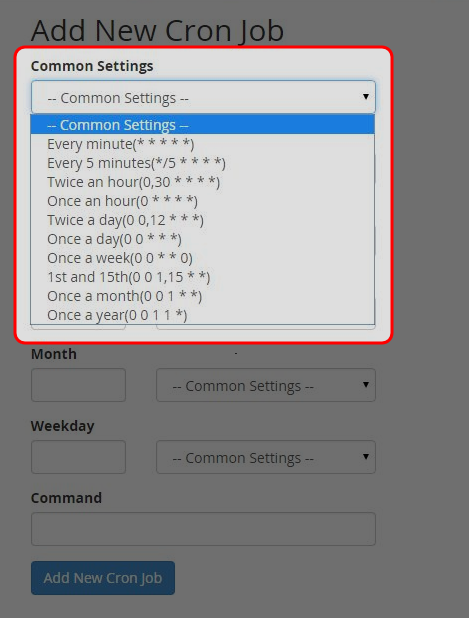
Select how often you wish the cron job to be run or by selecting a pre-defined period from the Common Setting drop down menu.
-
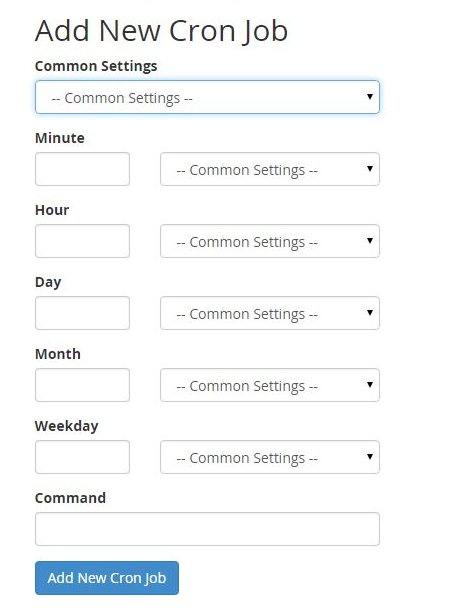
Enter the command of the script you would like the cron job to run, including the path (from root).
-
Click on “Add New Cron Job”.
-
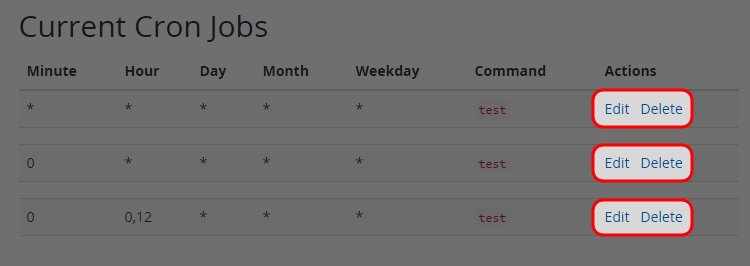
You would create additional cron job, and edit or delete the existing cron job.
-


