Setup an auto-responder in Webmail
-
-
Login to your webmail.
-
Click your Email address icon on the Right top corner.

-
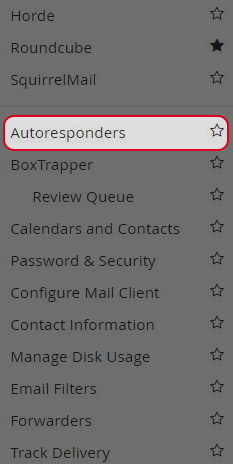
Click on “Autoresponders”.
-
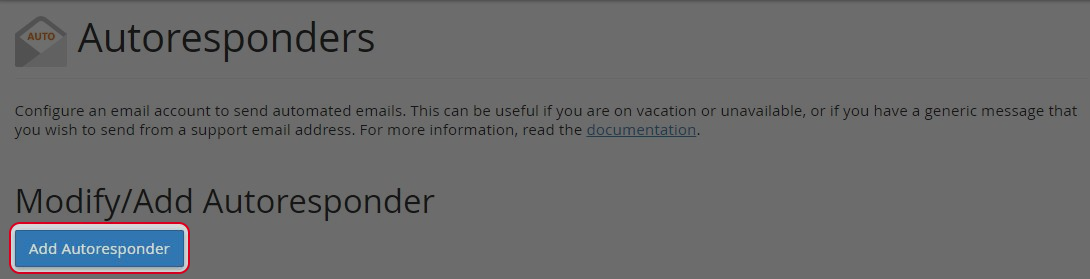
Click “Add Autoresponders”.
-
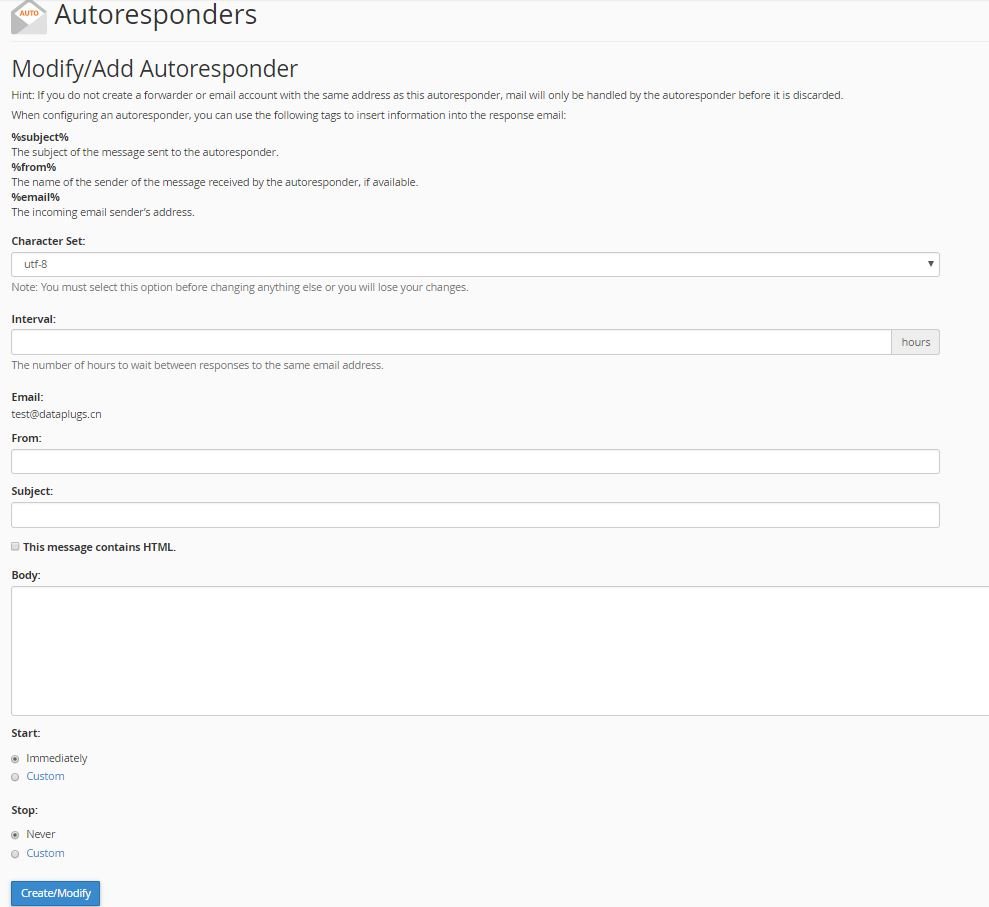
Select a character set for the email (utf-8 is the most commonly used and –recommended).Specify the interval, in hours, you wish for the auto-responder to -wait between responses to the same email address.
-
Enter From and Subject fields of your email.
-
Enter your message.
-
Click on “Create/Modify” button.
-
Click “Edit” or “Delete” to manage the auto-responder.

-


