Setup domain redirects in cPanel
-
-
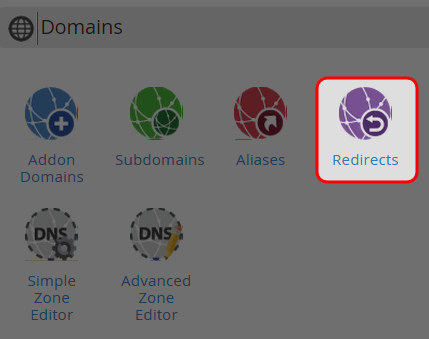
Click on “Redirects” icon at Domains area.
-
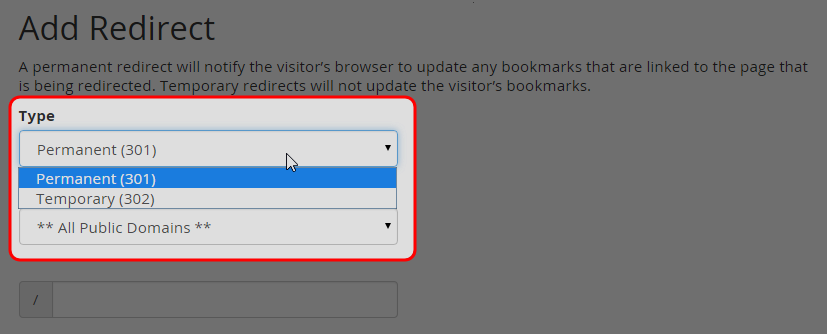
Choose temporary or permanent redirect type.
-
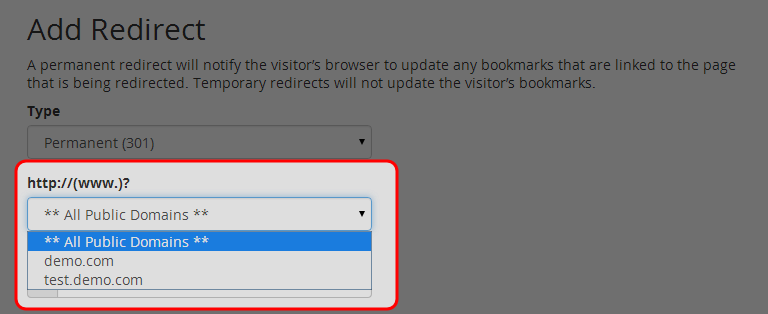
Enter the URL that you would like to redirect.
-
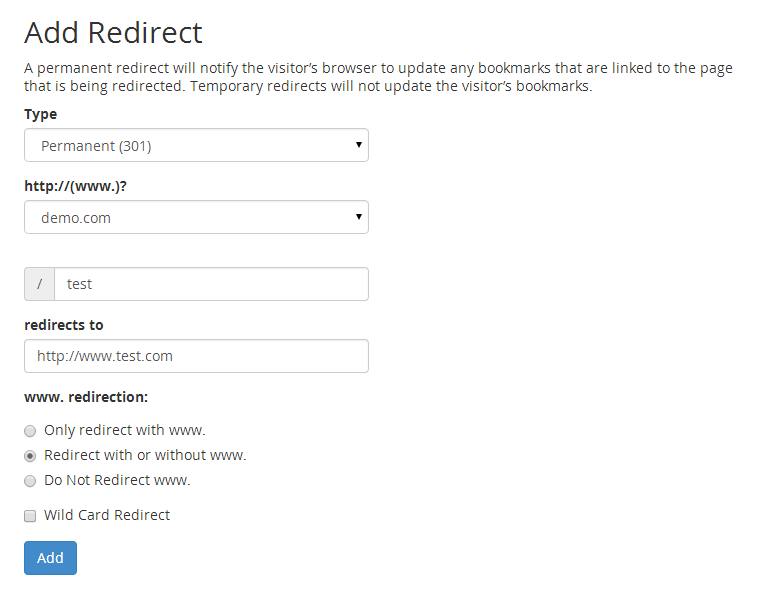
Enter the full URL of the page which you will be redirected to.
-
Click on “Add” button.
-
Click on “Go Back” link to manage URL redirect.

-


