Setup Hotlink protection in cPanel to prevent others from hot-linking to your certain files or images on your website
-
-
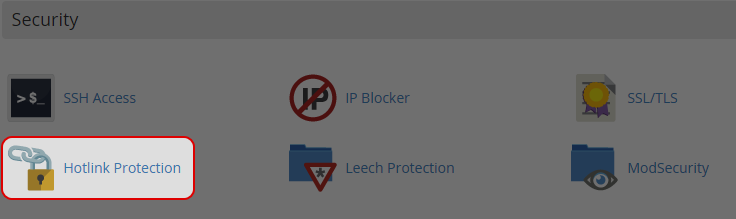
Click on “HotLink Protection” icon at Security area.
-
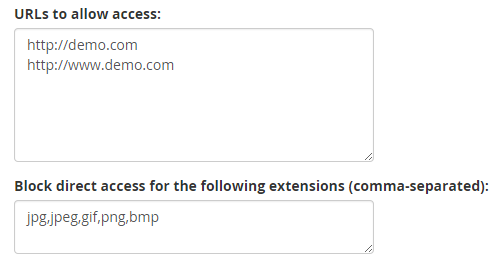
Enter the URLs to allow access.
-
Enter the file type you want to protect.
-
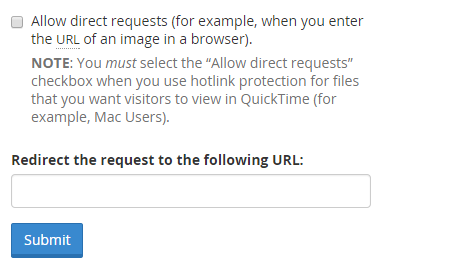
Check the box If you allow people to be able to enter the URL of a protected file manually.
-
Enter URL you want to redirect to.
-
Click on “Submit”.
-
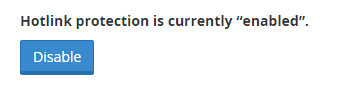
Click on “Disable” button to disable hotlink protection.
-


