Upload and download a file using File Manager
-
-
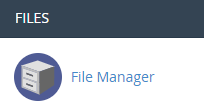
Login to cPanel and click on “File Manager” icon at File menu.
-
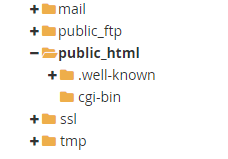
Double click the folder you want to upload a file in.
-
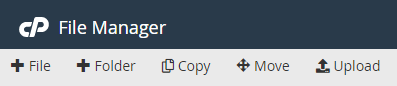
Click on “Upload” icon.
-
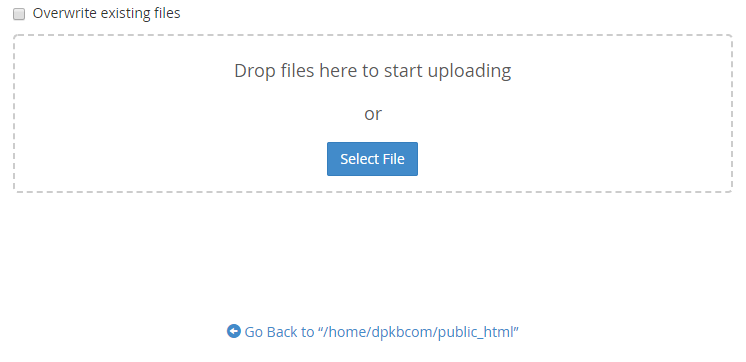
Navigate to the file you would like to upload by clicking “Select File” button.
-
Once the upload has completed, click the link and back to the site folder.
-
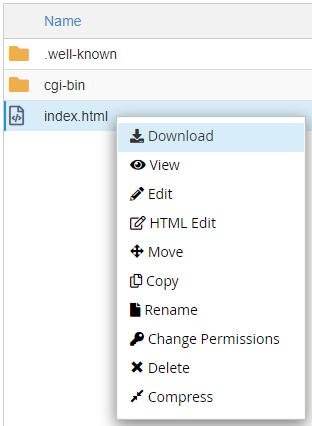
Select file you would like to download, then right click “Download”.
-


